Android 17 beta tackles a security loophole thieves could exploit
What you need to know
- Android 17 QPR3 Beta 2 has added a toggle to require PIN/fingerprint authentication before anyone can touch Airplane Mode, Wi-Fi, Bluetooth, or Mobile Data on a locked phone.
- Non-security tiles like Flashlight, Auto-rotate, and Battery Saver stay unlocked and accessible without extra friction.
- The latest Android 17 beta release also resolves random reboots, system crashes, Bluetooth pairing failures, idle battery drain, and buggy internet tiles.
Google is finally giving Pixel owners a way to stop thieves from disabling their phone’s connectivity right from the lock screen.
The new security feature is coming in Android 17 QPR3 Beta 2, which will let users require authentication before anyone can toggle Wi-Fi, Bluetooth, mobile data, or airplane mode. It's a small change, but it could make a stolen phone a little less useful to whoever walks away with it.
This update, which came on October 20 with build number DP11.261002.005, does more than just fix a number of bugs. The Android Beta team says on Reddit that it also fixes intermittent device crashes and unexpected reboots, Bluetooth pairing failures, excessive idle battery drain, and issues with the Internet Quick Settings tile. Below is the complete list of issues fixed in the latest beta round.
- Devices intermittently crash and reboot during normal use. (Issue #570031572, Issue #570031155, Issue #569529428, Issue #569222433, Issue #570414567, Issue #570725957, Issue #569237164, Issue #572493638)
- Internet Quick Settings tile displays persistent text when mobile data is active without Wi-Fi. (Issue #354469154, Issue #367059437)
- Media output dialog ignores the monochrome system theme when external audio devices are connected. (Issue #476304142)
- Pin icon glitches position next to pinned apps in the share sheet. (Issue #476234992)
- Internal PublishedApi declarations trigger unexpected API lint and source compatibility check errors. (Issue #562178518)
- Device unexpectedly shuts down during WhatsApp video calls. (Issue #554451749, Issue #559966303)
- Lock screen in-progress notifications overlap with other UI elements and cause stuttering panel animations. (Issue #547371609, Issue #548539836, Issue #562186670)
- Cellular data, MMS, and hotspot services fail to connect on Dish Network. (Issue #537736046)
- Screen recording freezes and stops capturing frames after screen rotation. (Issue #541325203)
- System UI, fonts, and apps render at an abnormally small scale regardless of configured display size settings. (Issue #563321433)
- Display turns black and becomes unresponsive after ending a phone call. (Issue #564953545)
- Terminal app fails to launch the Linux development environment virtual machine after installation. (Issue #551657934)
- Wi-Fi Aware fails to establish subsequent data paths with a no interfaces available error after releasing an accept-any responder network request during connection confirmation. (Issue #550726291)
- Paired watch continues to ring after an incoming call is answered on the phone. (Issue #564594780)
- Airbnb app fails to connect when attempting to send messages. (Issue #563024453)
- Quick Settings Bluetooth subtitle is misaligned to the right. (Issue #559417120)
- App drawer unexpectedly closes when switching keyboard language. (Issue #558774933, Issue #540389222, Issue #533125590)
- Bluetooth pairing fails due to a connection timeout when attempting to pair with a device. (Issue #563675080)
- VoLTE, VoNR, and Wi-Fi calling are unavailable on the IT&E network. (Issue #556432987)
- High idle battery drain caused by motion sensors remaining active after using Face Unlock or the camera. (Issue #568078965)
- Wi-Fi Calling unavailable on the OXIO network. (Issue #563089593)
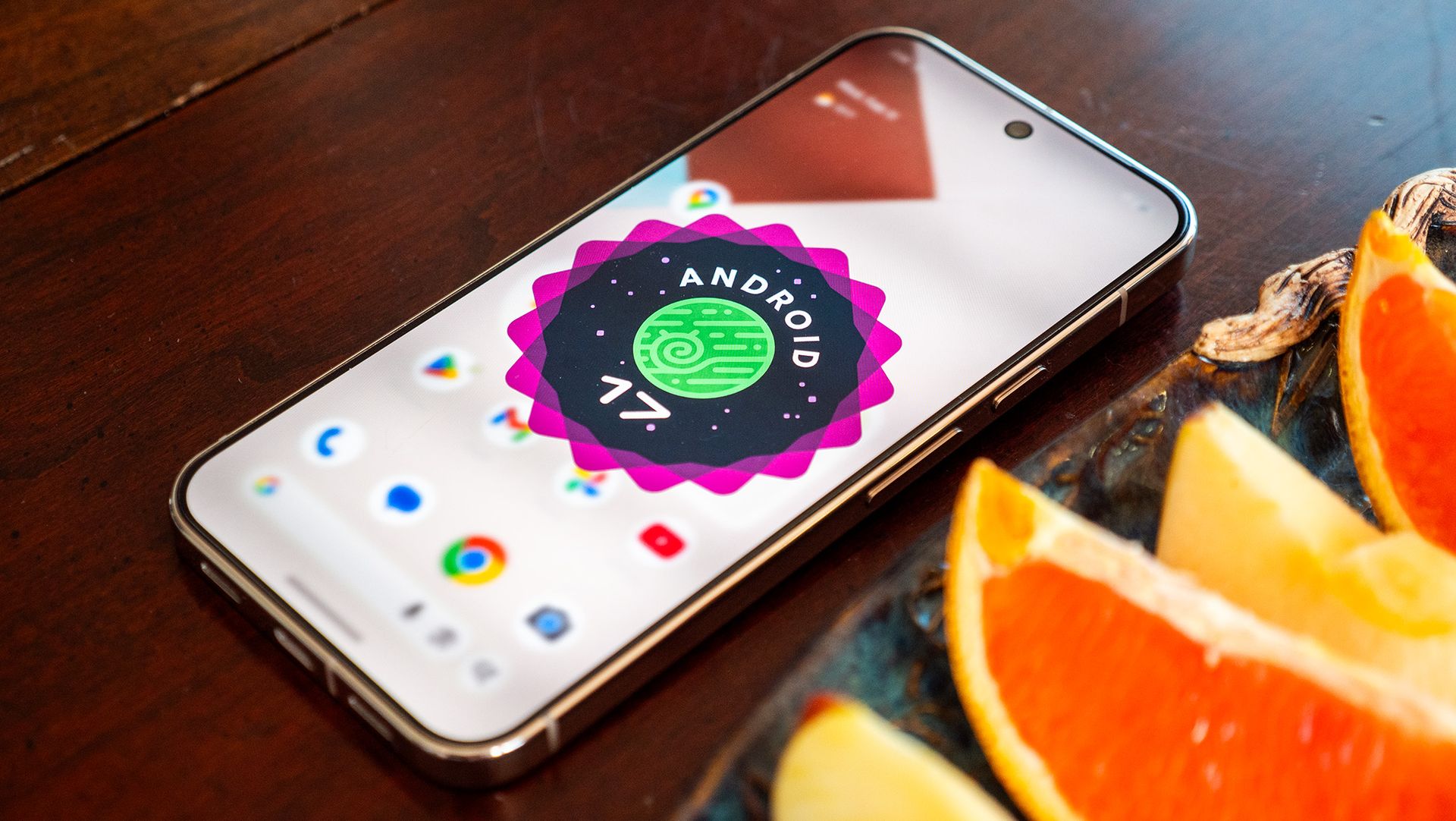
A more interesting addition is the connectivity restriction, as noted in a few replies to the Reddit post. Sometimes thieves can disable a phone’s network connections from the lock screen, making it more difficult for owners to track down a lost device. It’s another hurdle to force you to unlock before changing these settings, though it obviously won’t prevent all theft or ensure recovery.
To enable it, go to Settings > Security & privacy > Device unlock or Settings > Display & touch > Lock screen, then turn Lock Quick Settings connectivity on. Once enabled, you must unlock the device before you can change any of the four protected connectivity settings.
Google is also leaving common shortcuts like flashlight, auto-rotate, and Battery Saver accessible, so the security feature doesn’t relegate the lock screen to a glorified clock. Locking each and every Quick Settings tile would be way too limiting for those who enjoy shortcuts without unlocking their phone. So it’s a more targeted way to protect the settings that could interfere with connectivity and tracking.
Android 17 QPR3 Beta 2 is available for eligible Pixel devices enrolled in Google’s Android Beta Program. As with any beta software, users should expect the possibility of bugs and avoid installing on a device they can’t afford to have misbehave.
from Latest from Android Central https://ift.tt/2LfxvVB
via IFTTT
